Kelly, your digital guide
In every organisation, there’s that one colleague everyone turns to for answers. Where to find information, how processes work and who’s responsible for what.
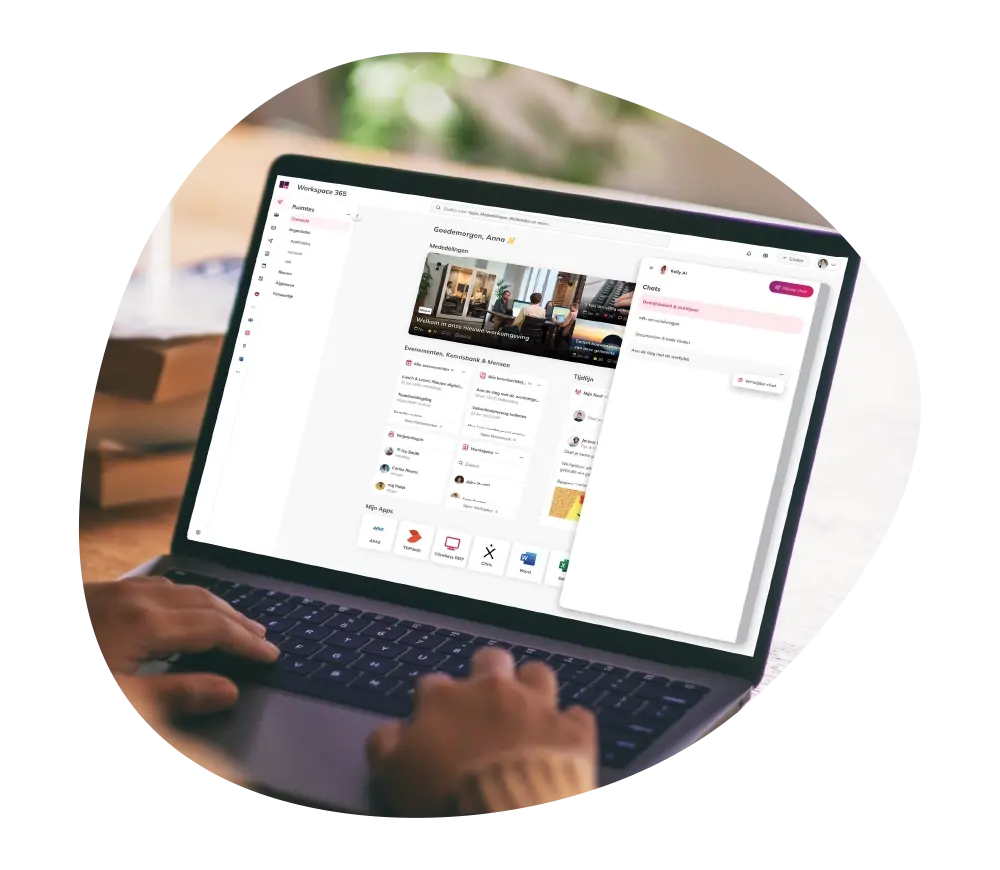
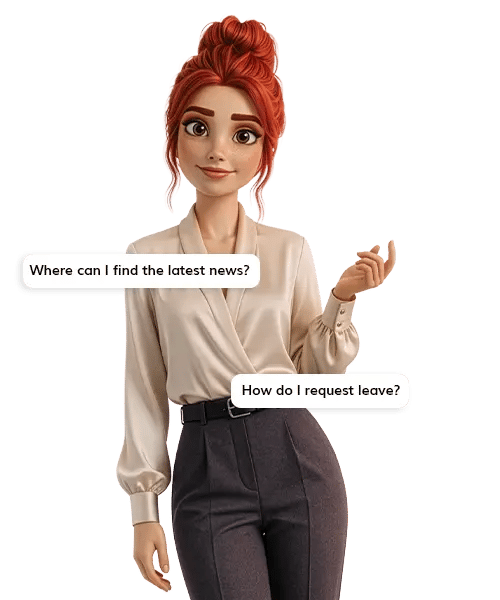
Kelly plays exactly that role, but digitally. Not a chatbot or a separate tool, but a smart digital guide that supports your employees in their day-to-day work within the intelligent workspace.
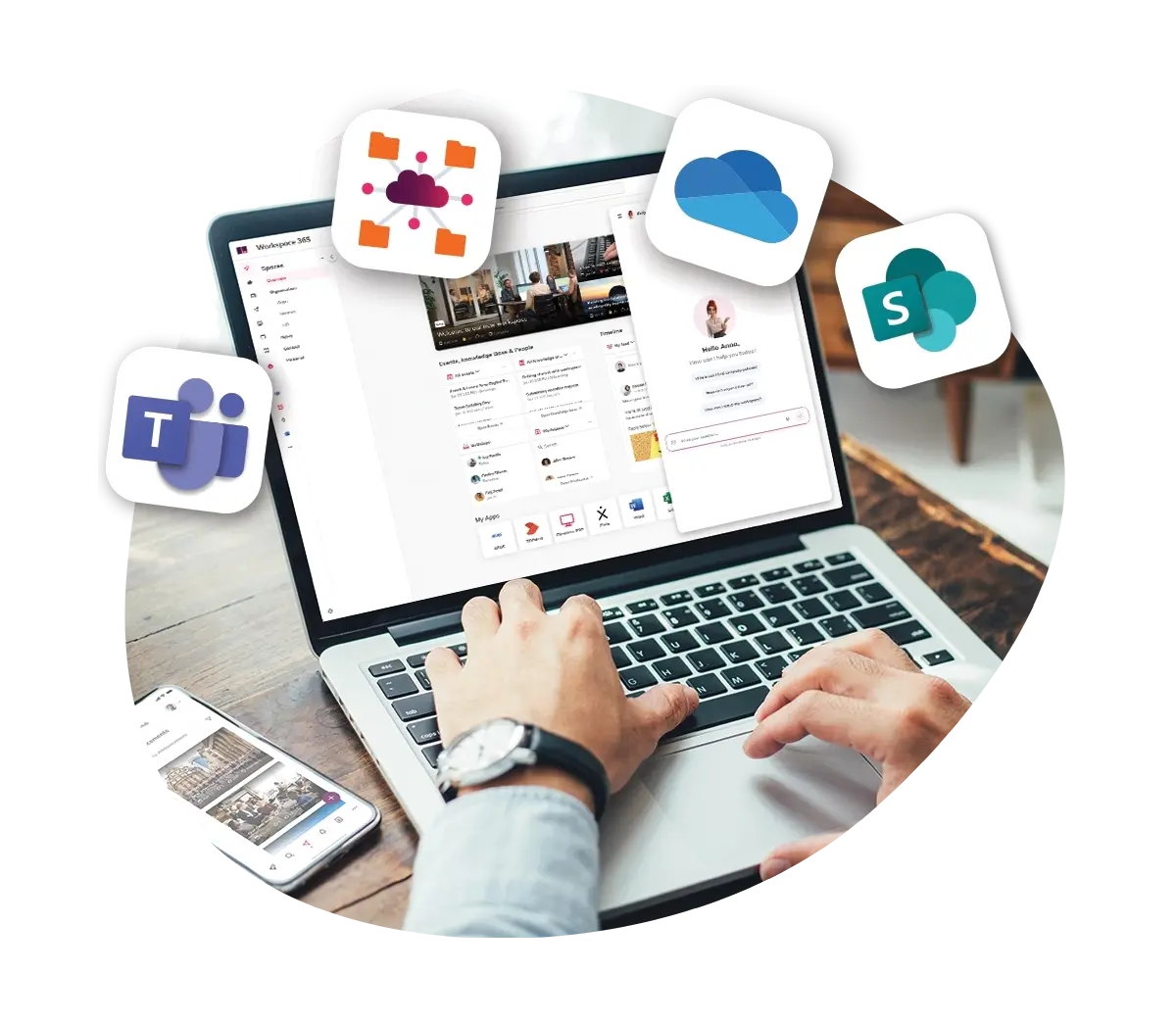
Connected with all your apps and systems
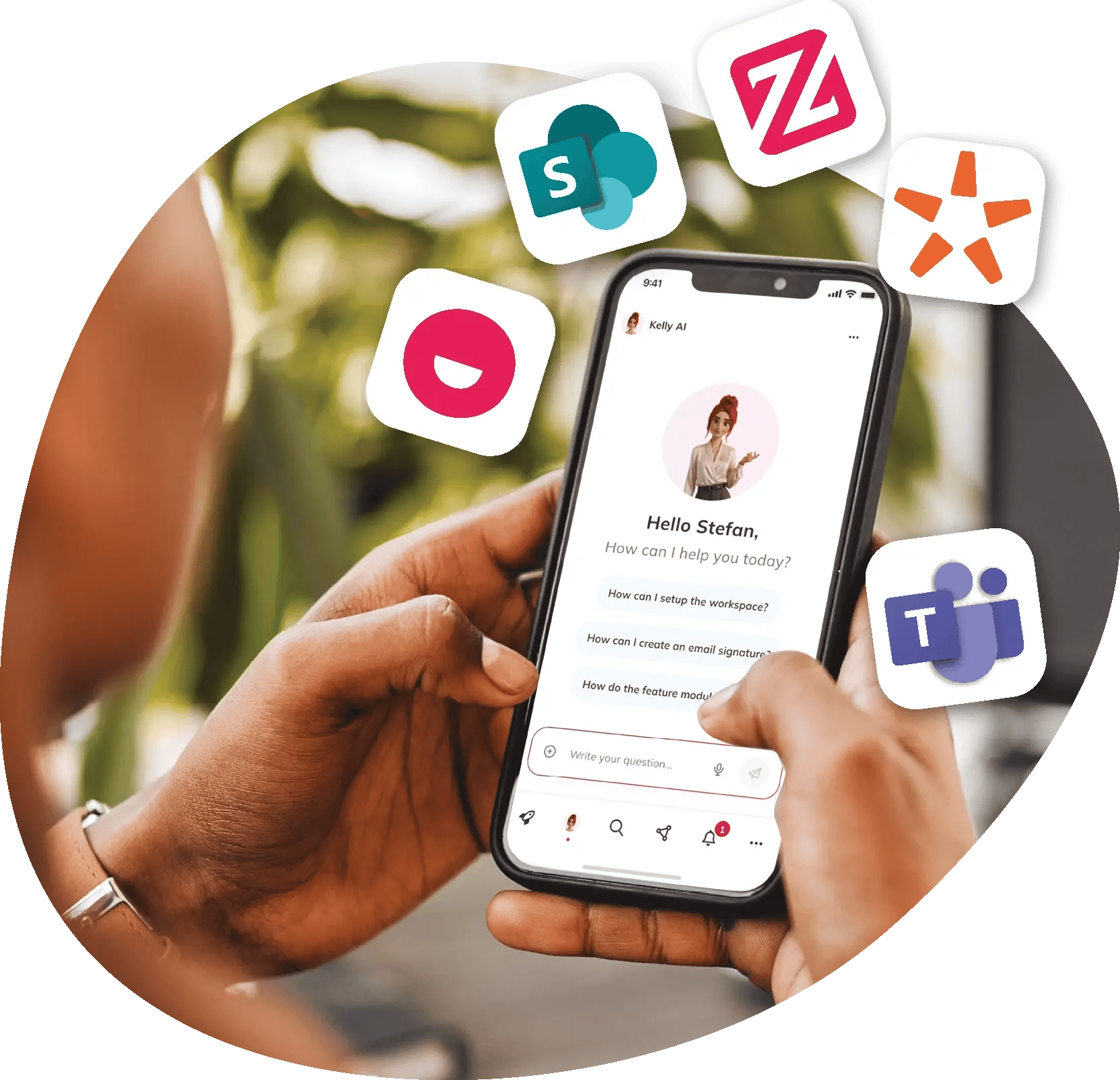
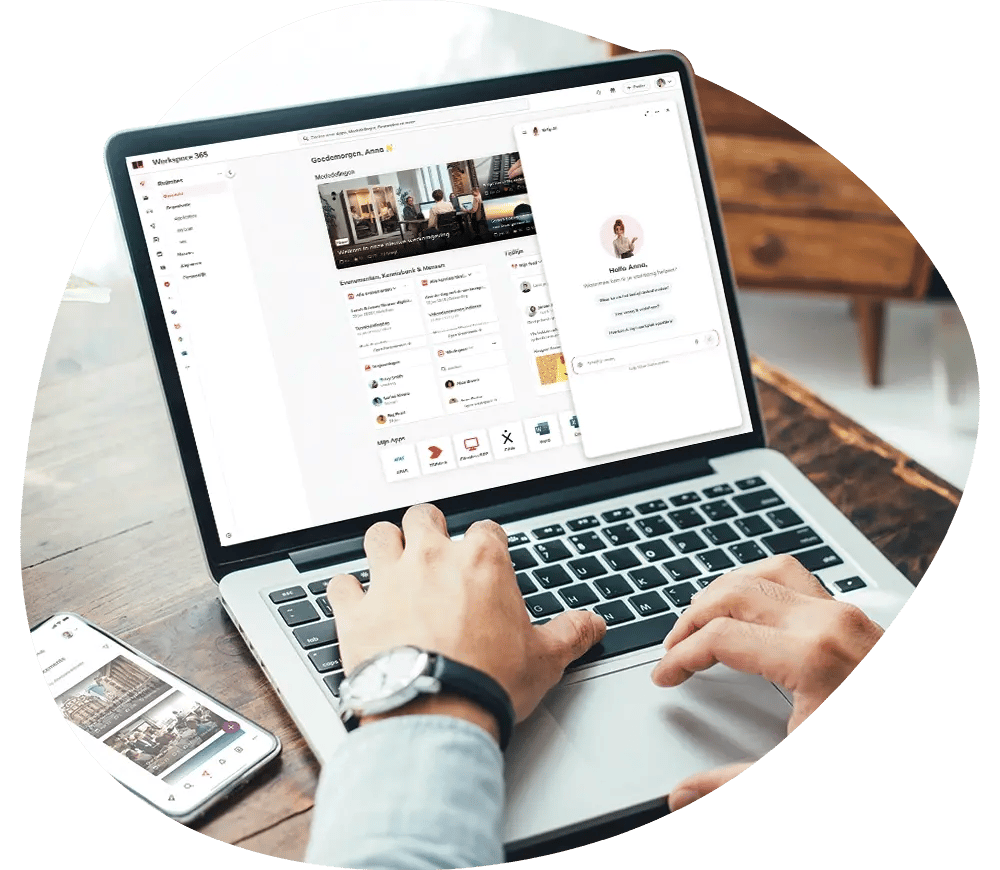
Kelly is connected to all your systems as well as the internet. This means you can ask questions about information spread across, for example, SharePoint, HR systems, line-of-business applications, the Knowledge Base and the intranet. What would normally require searching, clicking and switching between tools becomes a single, natural question in plain language. Kelly understands what you mean and instantly provides an answer tailored to your role and situation.
Answers within reach
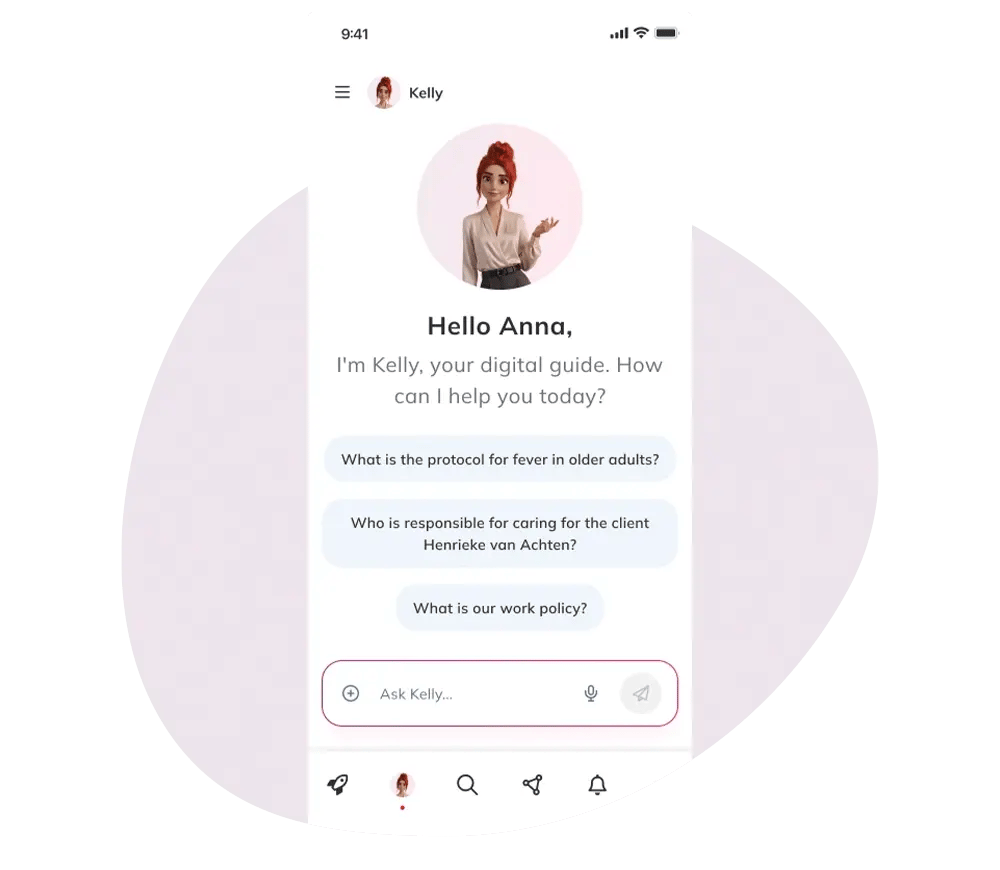
You work with Kelly the same way you work with a colleague. You simply ask your question, without needing to know where information is stored or how a system is technically set up.
Kelly supports employees with everyday digital tasks and processes, without the need for training or instructions. Whether someone is working in the office, on the move or from home, Kelly is always available and works on any device.
Secure and reliable
Kelly is secure and reliable. She only accesses information that your employees are already authorised to see and operates fully within existing permissions and security policies.
Anything that isn’t relevant or permitted remains out of sight, even for Kelly. This keeps knowledge accessible while ensuring security and privacy are fully protected.
Frequently Asked Questions
-
Kelly operates only inside the customer environment.
-
Workspace 365 processes data within the customer’s agreed region/data zone.
-
Data stays in the appropriate region aligned with our terms and services.
-
Kelly does not use customer data to train language models.
-
Customer content is only used to retrieve and summarise answers inside the same environment.
-
Permission-bound access
-
The assistant only accesses data the signed-in user may see.
-
No access = no retrieval = no leak.
-
-
Hosting and datazones
-
Models are hosted in the customer’s region.
-
Data stays in the correct region.
-
-
Answer behaviour
-
Answers are based only on retrieved, permission-allowed content.
-
-
Kelly never has “super user” access.
-
Kelly always uses the signed-in user’s identity and permissions.
-
If a person doesn’t have access to something, it is not retrieved or shown.
-
Default: internal sources only.
-
Optional: if enabled, the assistant can supplement answers with public information.
-
Each organisation decides whether this is allowed.
Workspace 365 uses different LLMs hosted in the customer’s region.
Want to work with Kelly?
We’d love to introduce you to Kelly. In an online meeting, we can show you what Kelly can do for your organisation and help you in your day-to-day work.