Spoted image
Step 1: Everything in one place

Simplify the intelligent workspace

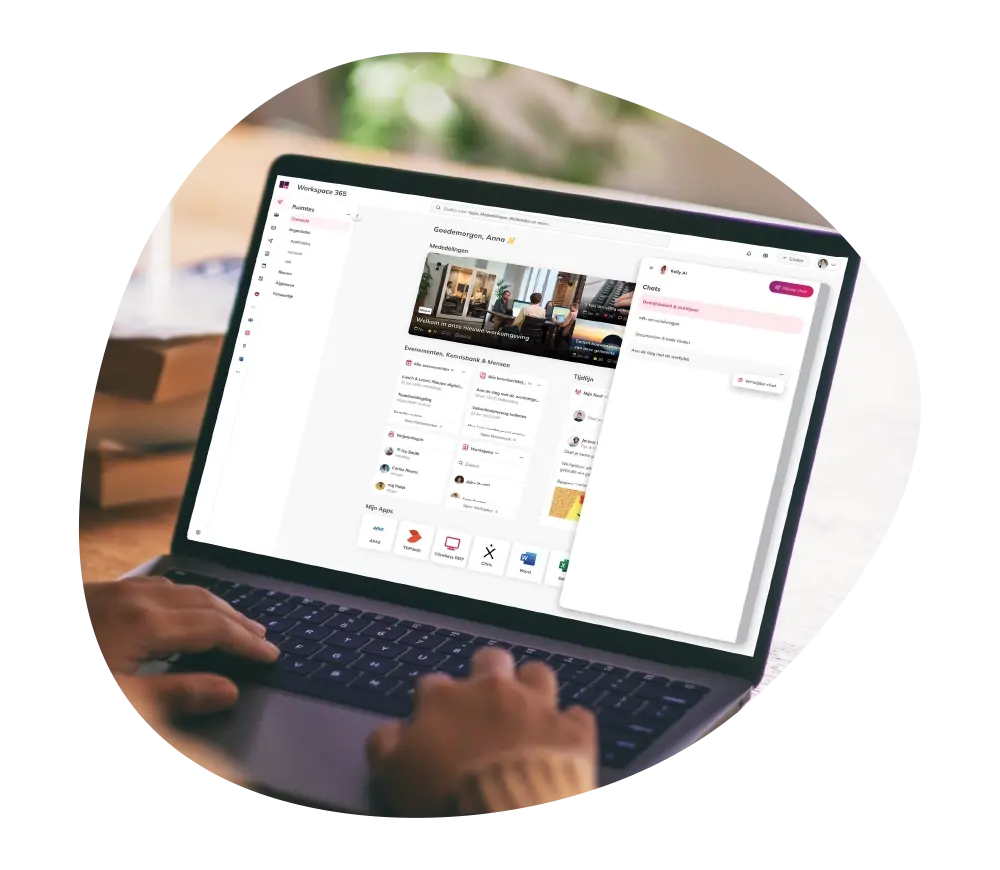
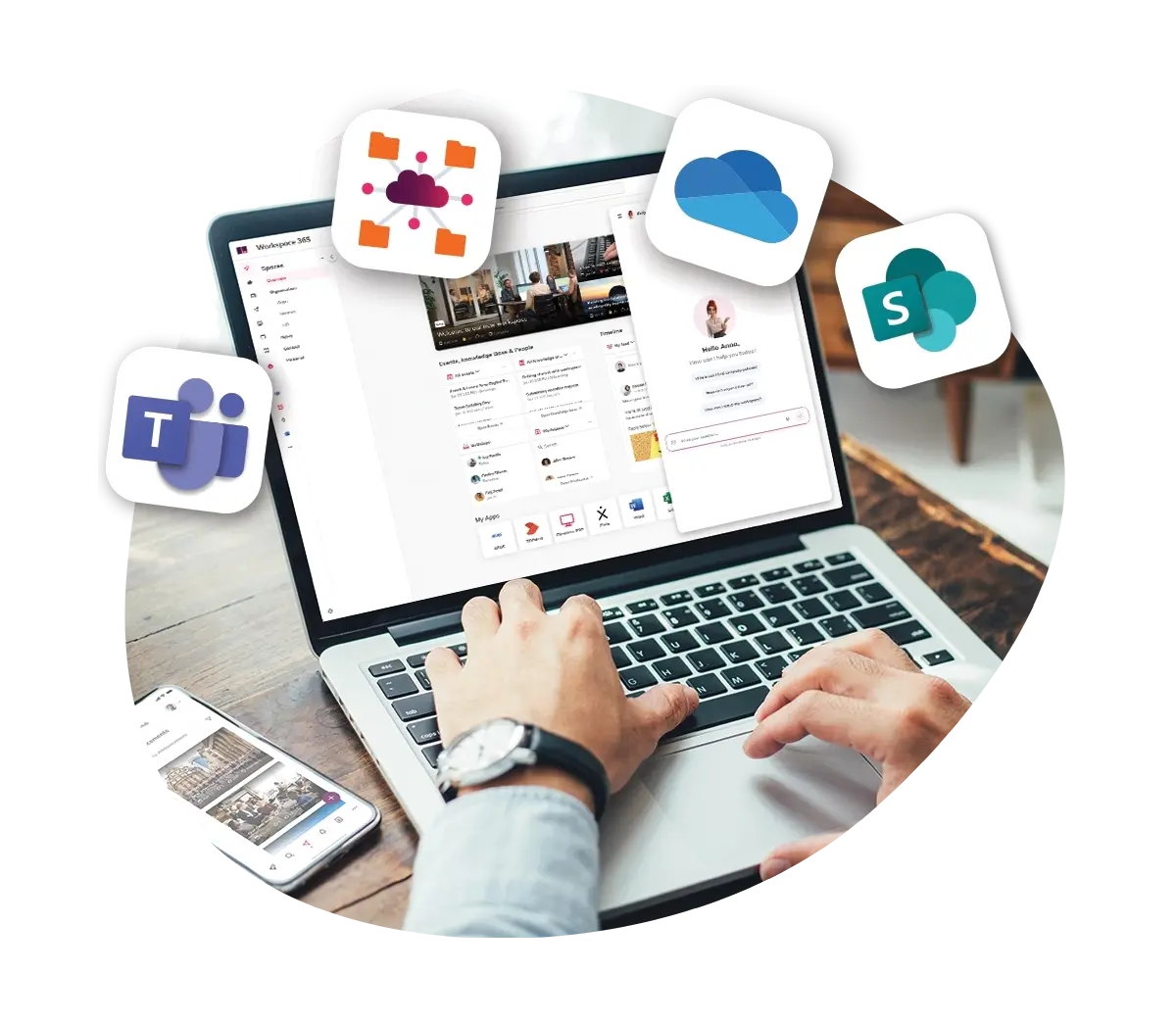
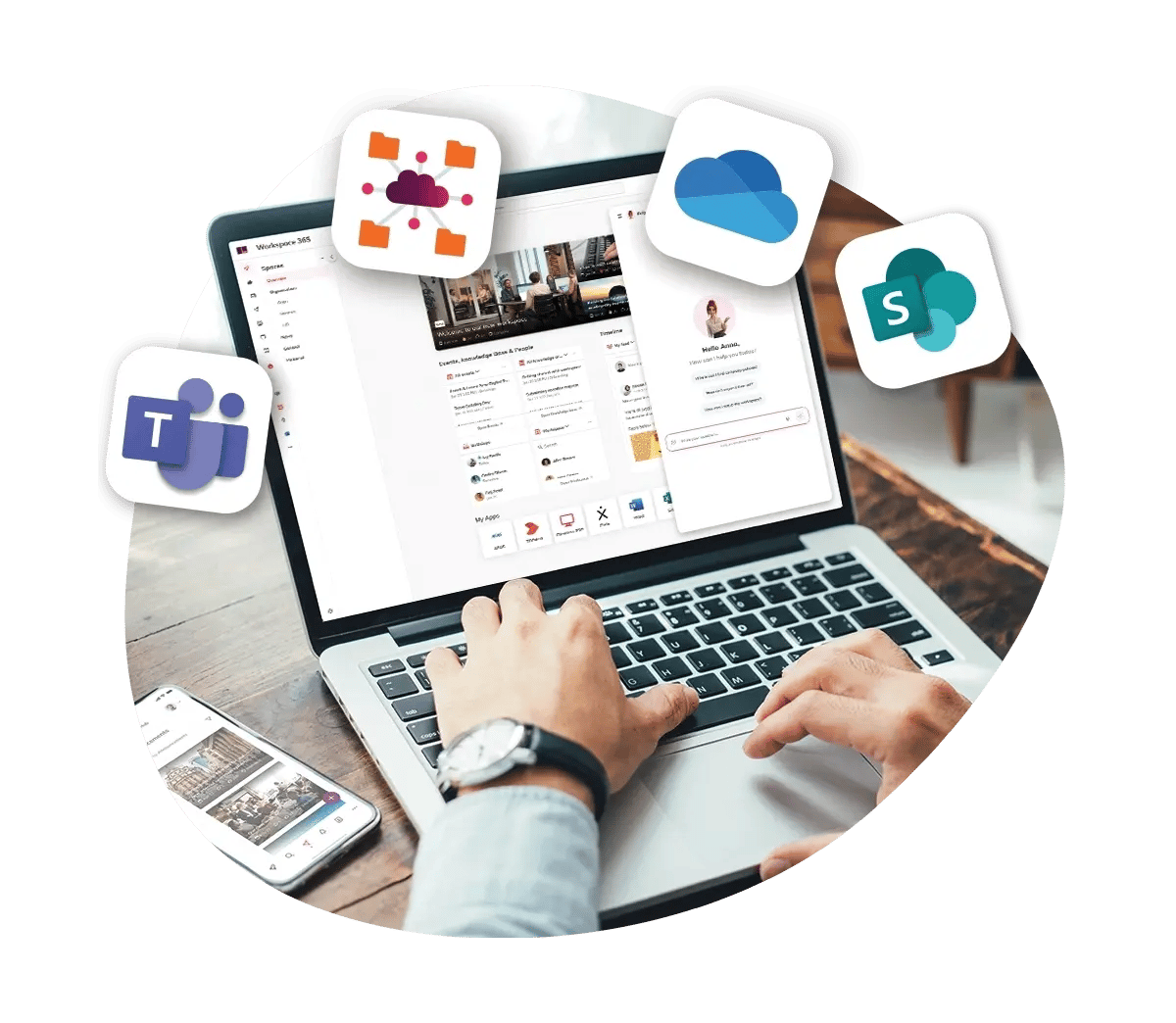
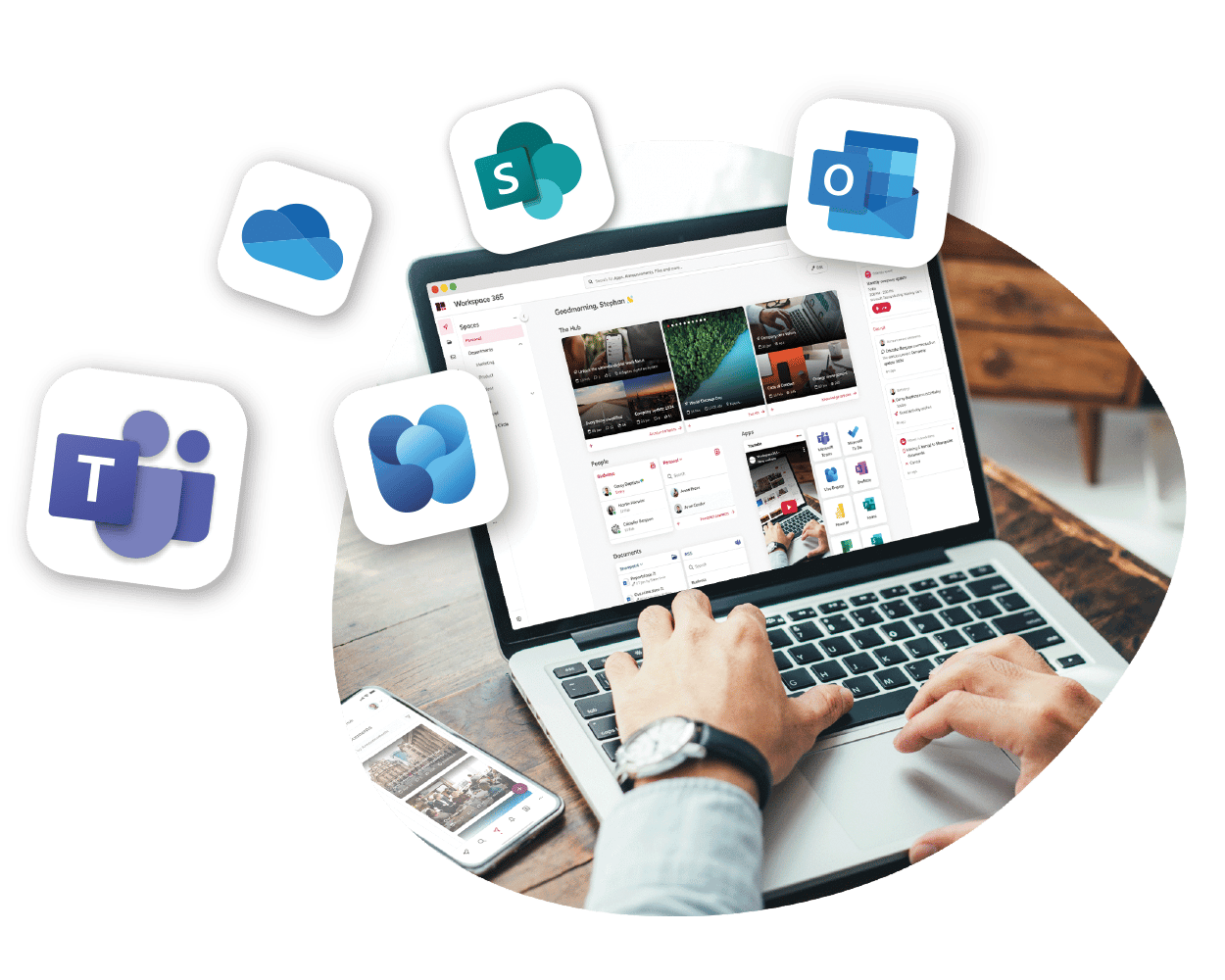
Workspace 365 is the central starting point for every employee. From one place, employees have access to all applications, documents and information, tailored to their role, device and location. Communication becomes simpler, and employees immediately see the news and updates that are relevant to them.

step 1 simplify

Trusted by more than 2.500 organisations

Stimulate internal collaboration

Combine your intranet with the intelligent workspace

By creating one central place for all information and applications, you increase employee engagement and boost adoption of digital tools. Intranet features within the intelligent workspace make it easy to communicate, collaborate and quickly access important information and documents.

Already using an intranet? No problem. Alongside our own intranet capabilities, Workspace 365 integrates seamlessly with existing solutions such as Viva Engage, SharePoint and Microsoft Teams.

Announcements
Events
Knowledge base
Communities

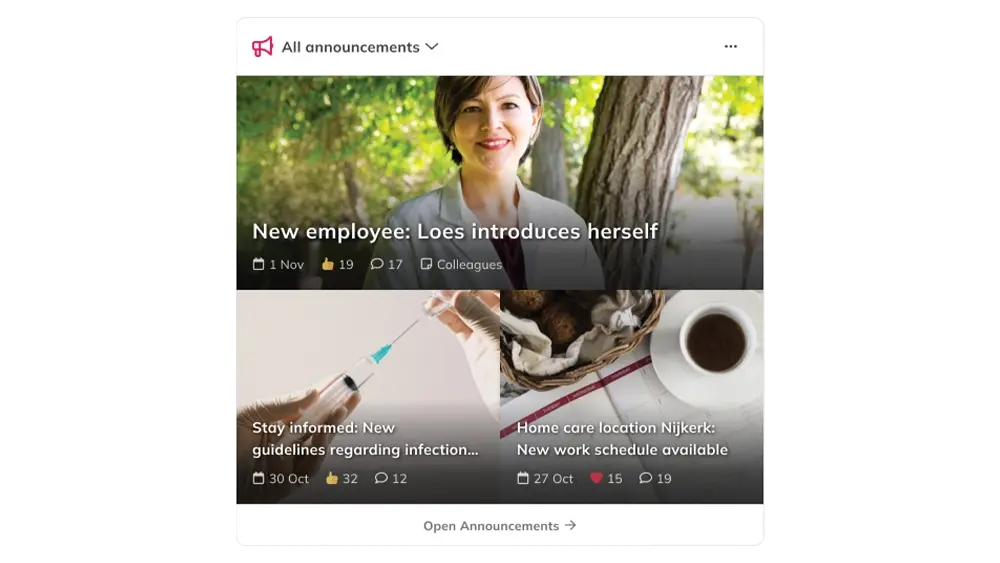
Stay up to date with Announcements

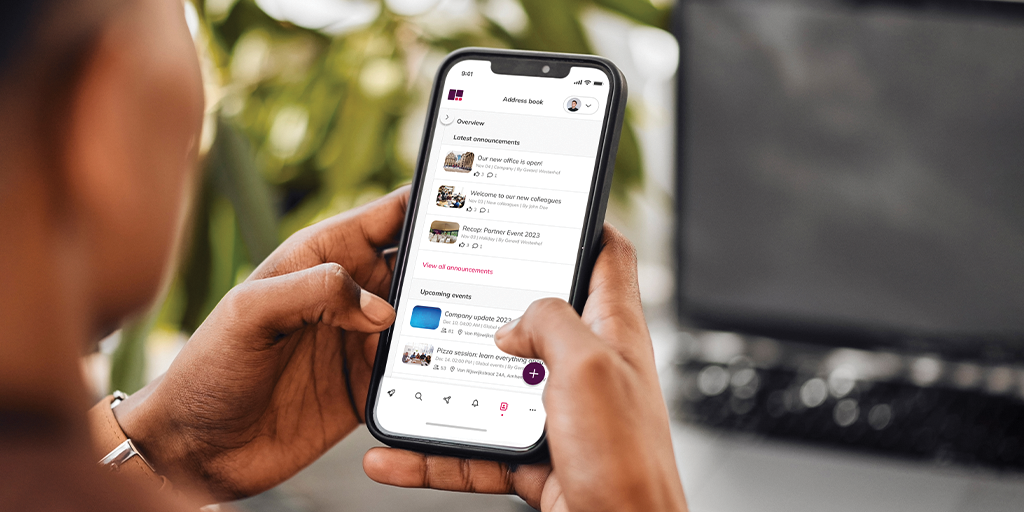
Important updates, announcements or successes, you want employees to see and understand them at the right time. Announcements automatically appear for the right colleagues, on their laptop, tablet or mobile device.

announcements

Bring everyone together with Events

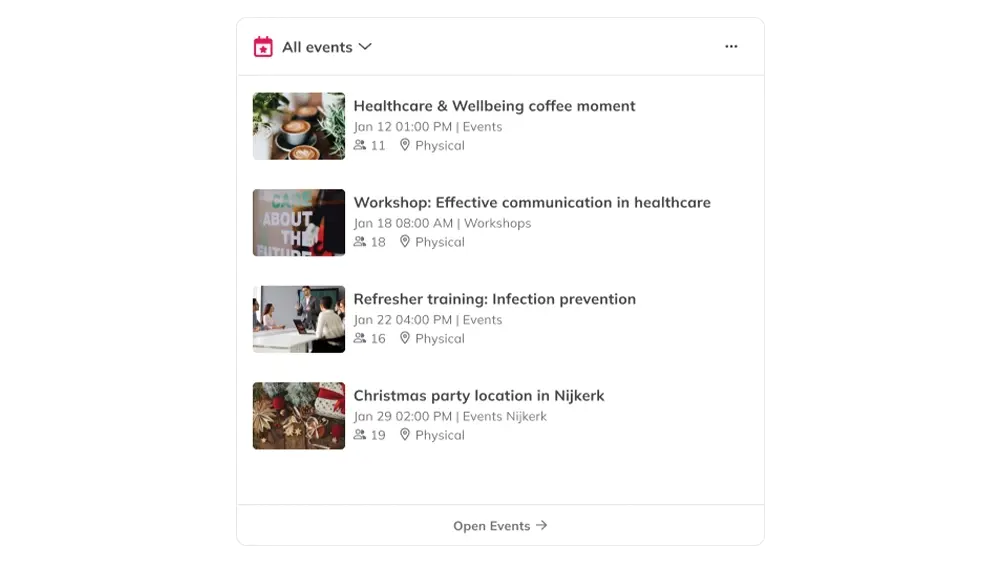
Creating and managing events has never been easier. Employees can easily register for events, and all details are automatically synced to their calendar.

events

Sharing knowledge has never been easier

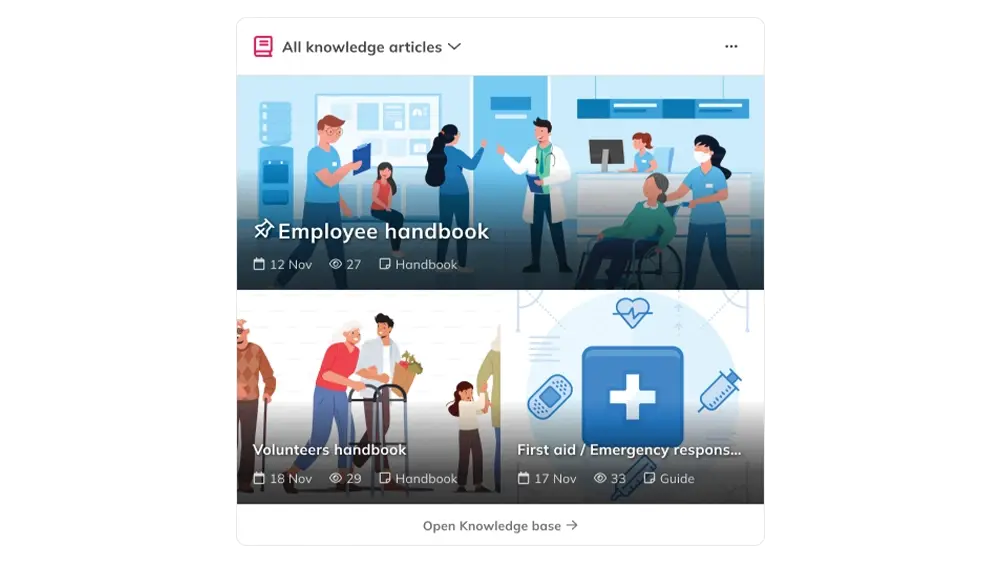
Every employee needs quick answers. Whether it’s “What’s the new parental leave policy?” or “How do I submit an expense claim?”, the Knowledge Base is the central place for all information.

knowledge articles

Start conversations in Communities

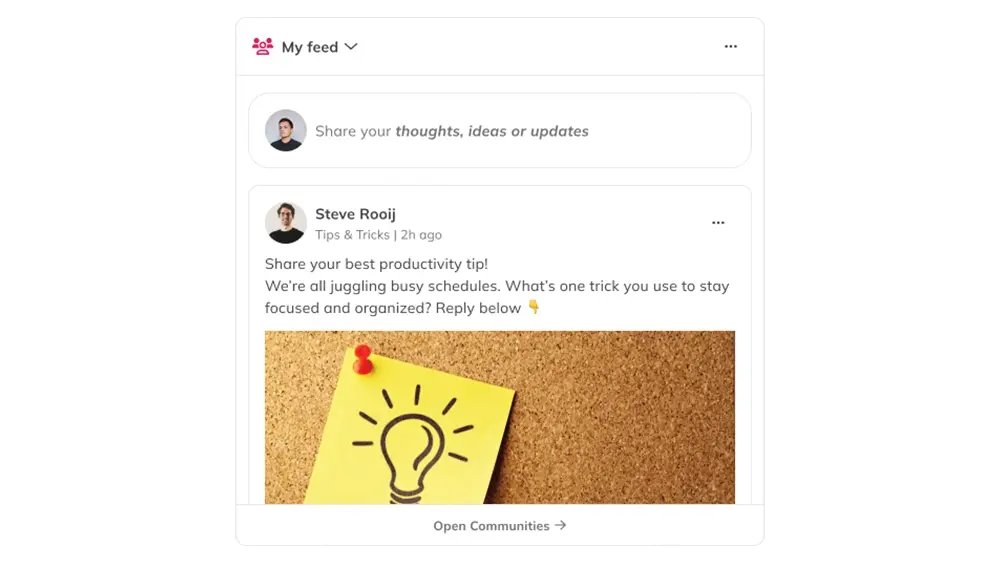
Sometimes employees simply want to learn, share or get inspired. Communities give employees one place to share knowledge, collaborate and connect with colleagues, without switching tools.

communtiess

In depth user profile

Quickly find and reach out to colleagues

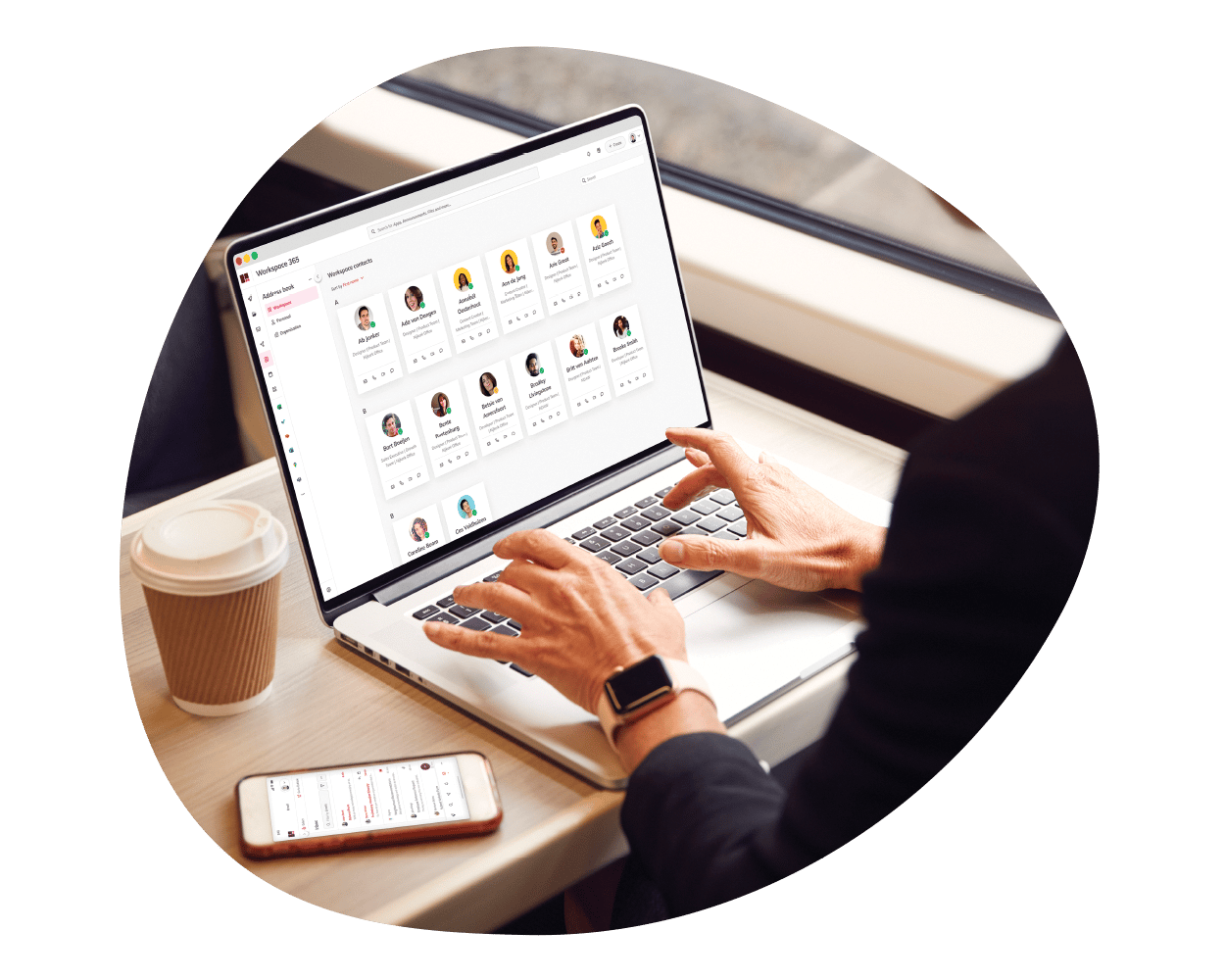
The integrated Address Book brings all your contacts together in one easy-to-access place. Whether you want to call a colleague, send a message via Microsoft Teams or email them directly, all contact options are available.

You can also share important details such as job title, department and key projects, so colleagues know who you are and how you can help.

secure
Transition to the cloud

Connect legacy systems to the cloud

Many legacy systems are still on-premise and outdated, yet they remain essential for daily work. Whether your systems are web-based, hosted or local, Workspace 365 connects legacy systems to the cloud using tools such as Citrix, Clientless RDP, Azure Virtual Desktop, file servers, VMware and Recast.

Simplify access to documents

Unite all your documents

Files and documents from SharePoint, OneDrive and the file server are brought together in one Document app. This gives employees a single, central place to access the documents they need, without having to search for where they’re stored.

Documents can easily be shared as a link, ensuring everyone always works in the most up-to-date version. This prevents duplicate files and multiple versions circulating at the same time.

microsoft
Articles

Discover the latest insights

Get the latest insights, resources and updates about digital transformation, Digital Employee Experience, transitioning to the cloud and much more.

Always accessible with the mobile app 

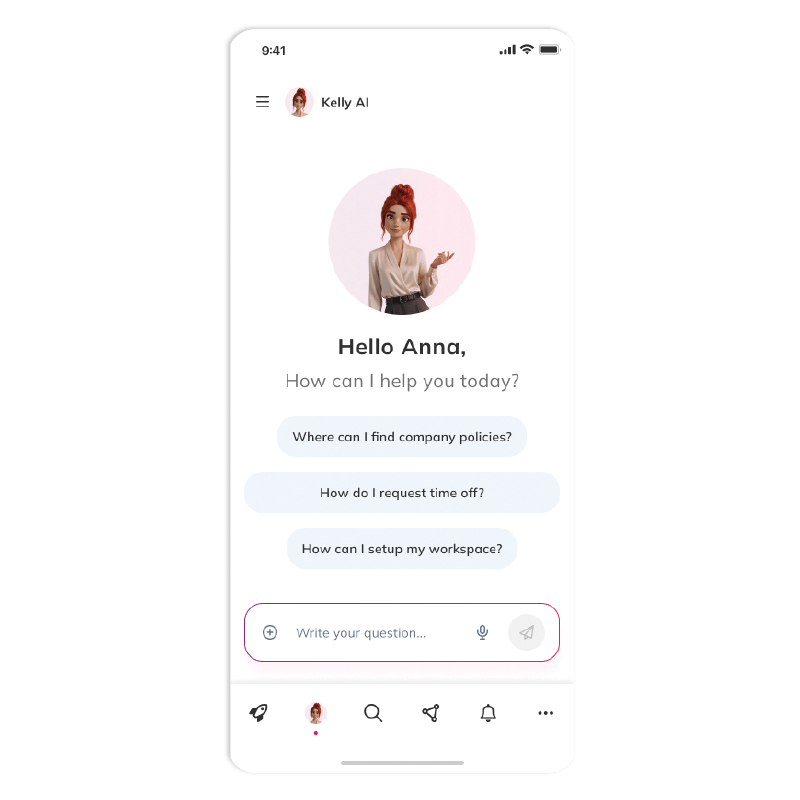
Whether you're working remotely or on the move, the mobile app ensures you're always connected to your digital workplace, so you can focus on your work.

mobile